
How do I use Claude Chat, Claude Code, and Claude Cowork for my project works?
Introduction:
Claude is a trending AI in the current world, it is one of the AI assistants to make human work much easier. The Claude LLM (Large Language Models) family is developed by Anthropic.
Three major tools that make Claude special are Claude Chat, Claude Cowork and Claude Code.
For this article we will see a usage of the Anthropic tools and how I use those tools for my development works and project management more effectively.
How do I use Claude Chat?
I am using Claude Chat for my research works project requirements collection. When I collect a client requirement, I organize the requirement in a notepad. After copy the requirement I already created in notepad and paste in Claude Chat with respective prompt. Claude Chat uses a research tool to collect web information based on given requirements. I make more conversions, when I have a clear idea about client requirements then I ask Claude Chat to build a document to share with clients.
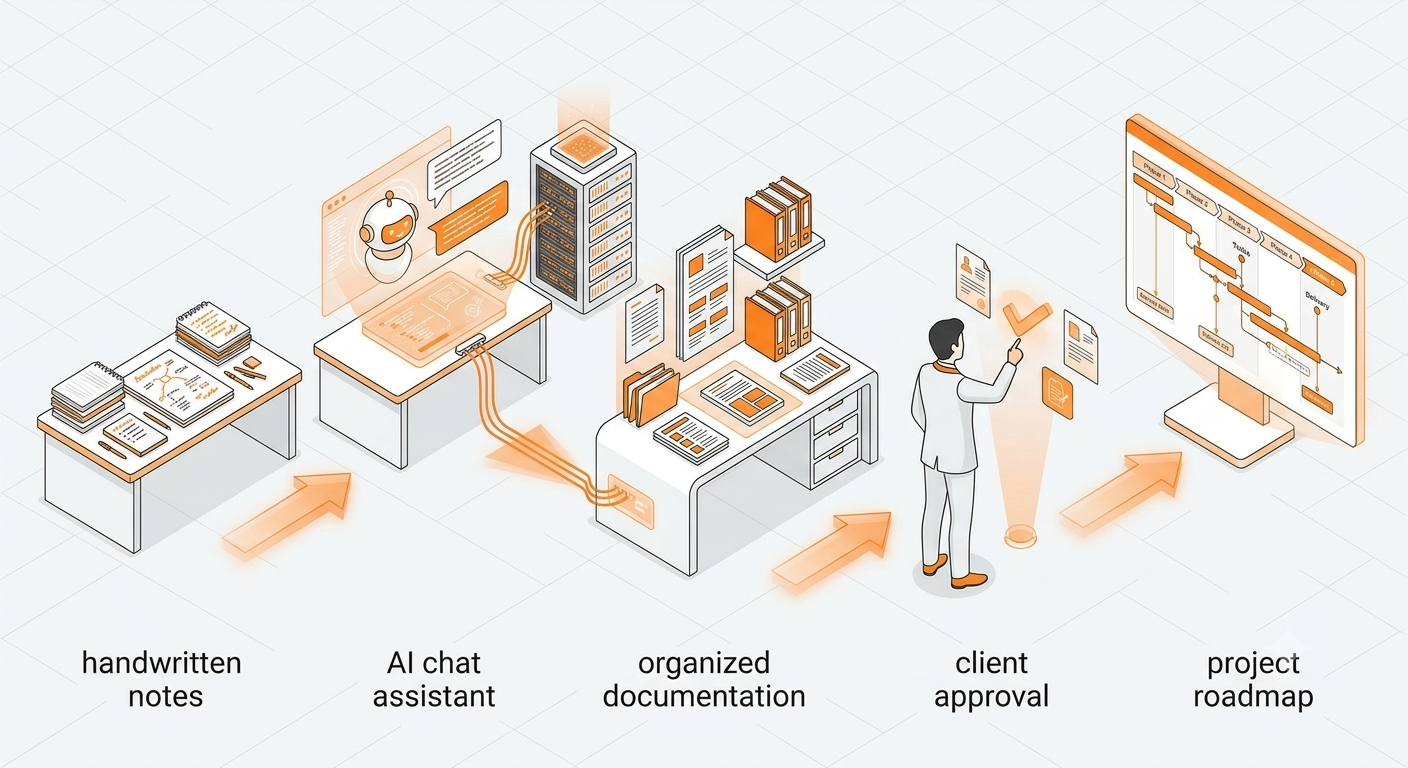
Once the client approves the requirement and signs the agreement. I use the Claude Chat for my project management work. For creating development plans with colorful dashboards. And use a Claude Chat to select the right tech stack for the client requirements.
How do I use Claude Cowork?
After choosing the tech stack, I use a Claude Coworker to build a Software Architecture plan.
Once the plan is ready I will review the plan each line by line.
I use Claude Cowork, To build an overall structure of the software.
For Example:
If the client's requirement is offline billing software for their retail business, then I choose a techstack Electron , sqlite for desktop offline software. Use Claude Cowork to build a base scalable Architecture for the offline billing software. That includes folder structure, edge case scenarios and db design.

How do I use Claude Code?
Once I get a base project structure and full plan. Then I start work on claude code. Go to Claude Code -> select new conversion -> select project folder created by Claude Cowork.

Ask Claude Code to Analyze the Current folder structure and create an implementation plan. Once the implementation plan is created I will check the plan. If the plan needs changes, ask Claude Code to make it. Once the plan is finalized I start a Coding implementation. Follow each step to complete the software development. Once full software gets ready, we will deploy in the hosting platform that configuration and build error i use a Claude Code to do it.
Conclusion:
Like the above process I use Claude Chat, Chat Cowork and Claude Code for my daily development task. It really reduces pressure on my solo startup founder life.